
The setup
I’m using nvim + quarto for my day-to-day work. Nowadays this work consists of displaying annotated images, processed satellite images, or plots resulting from a data analysis. I’m switching between projects in Python and R, but most of the work that requires checking intermediate steps from processing images is with Python.
Given that those images are intermediate results, I don’t need to save them as files, so I just need to display them during the working session and make a decision on the next step or validation.
One option could be to use the render option to check the quarto output, but I don’t want to deal with the computation of each chunk of code, or freezing results. I’d rather simply plot some of the intermediate results and check the results/images for validation.
The problem
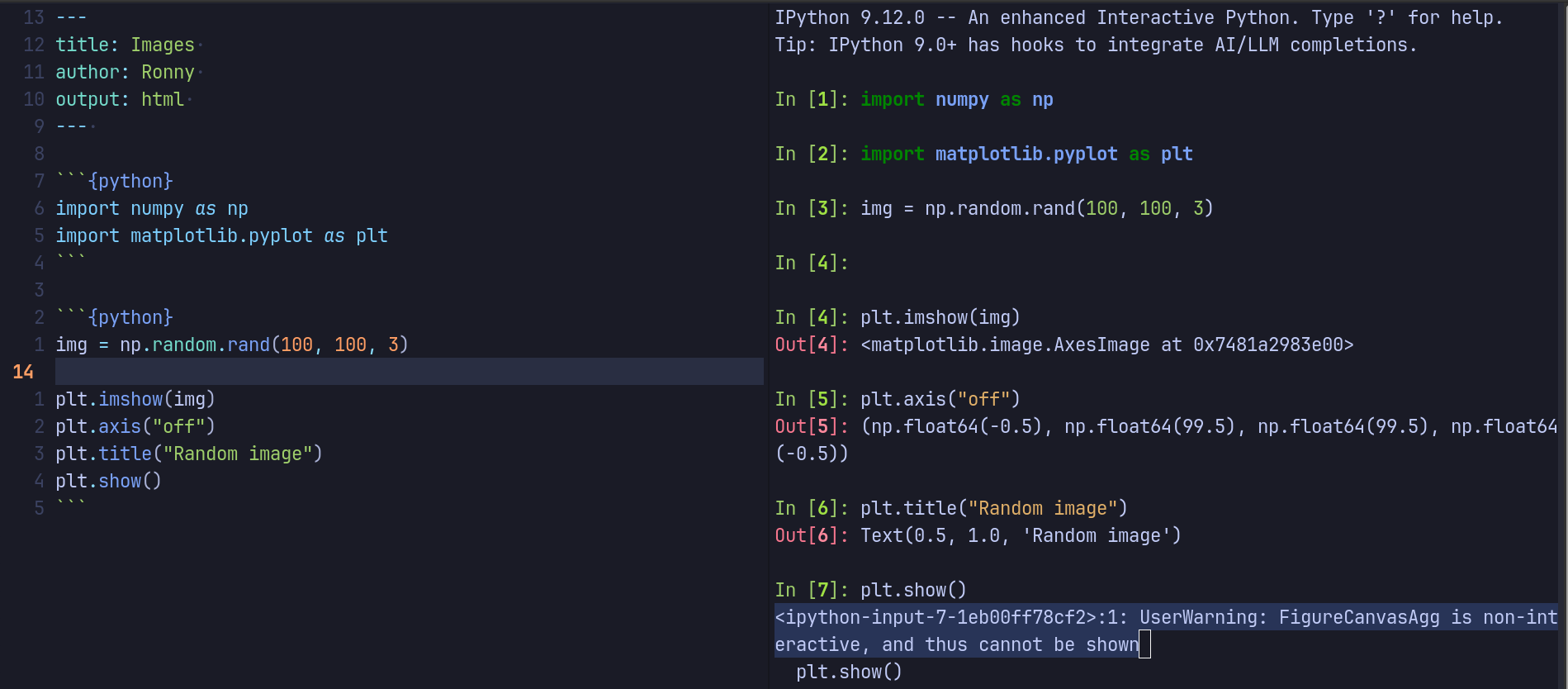
Because I’m using the terminal with neovim there is no way to show interactively a plot, unless you save the figure, and open it. But that means moving away from my terminal. And when working I want to stay in my terminal.
So, if I try to run the following code:
I’ll obtain the following error:
The solution
One solution is to use QtAgg to setup the matplotlib backend
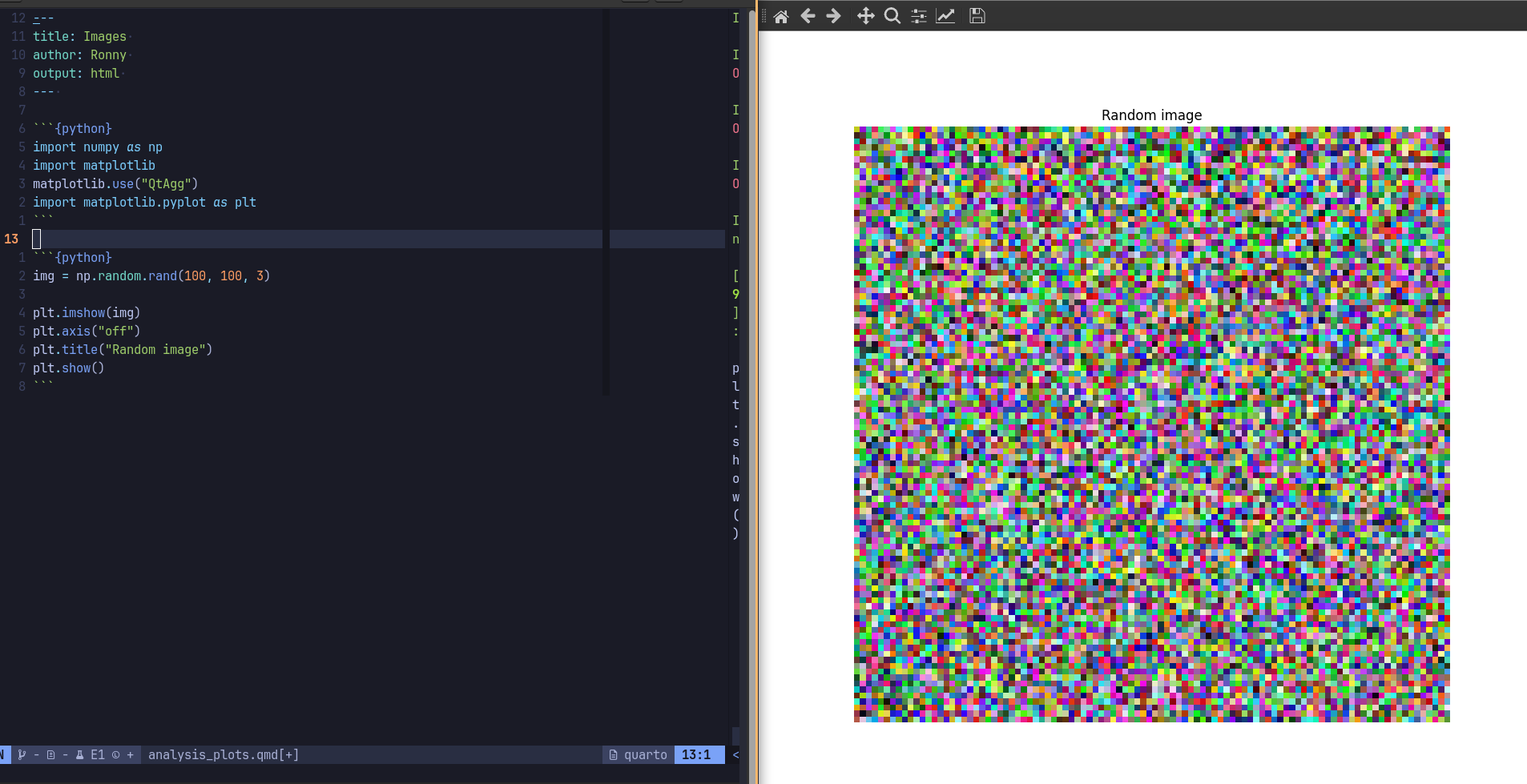
This solution will combine using PyQt6, which will help by opening a new window with the figure I want to quickly check.
The steps for the solution
At the start of any project I use uv to setup the env:
Implementation
When running each chunk of code, I’ll have the output in the IPython console, but when it comes to the section where I want to show the image, a new window is created to display the figure:
Important note
One critical detail about this solution: matplotlib.use("QtAgg") must be called before importing matplotlib.pyplot. The backend needs to be set before the plotting interface is initialized. If you import pyplot first and then try to set the backend, it will have no effect and you’ll still encounter the display error.
This workflow allows me to stay in my terminal, quickly validate intermediate results, and continue working without the overhead of rendering the full Quarto document or saving temporary image files.
Reuse
Citation
@online{a._hernandez_mora2026,
  author = {A. Hernandez Mora, Ronny},
  title = {Interactive {Plotting} in a {Quarto} + {Neovim} + {IPython}
    {Workflow}},
  date = {2026-04-20},
  url = {https://blog.ronnyale.com/posts/20260418-plots-nvim-ipython/},
  langid = {en}
}